Investigating the Role of Power Management Settings in Triggering Unexpected Peripheral Disconnections During Software Installations
Written by Uma Lorenz · Aug 5, 2026
Investigating the Role of Power Management Settings in Triggering Unexpected Peripheral Disconnections During Software Installations
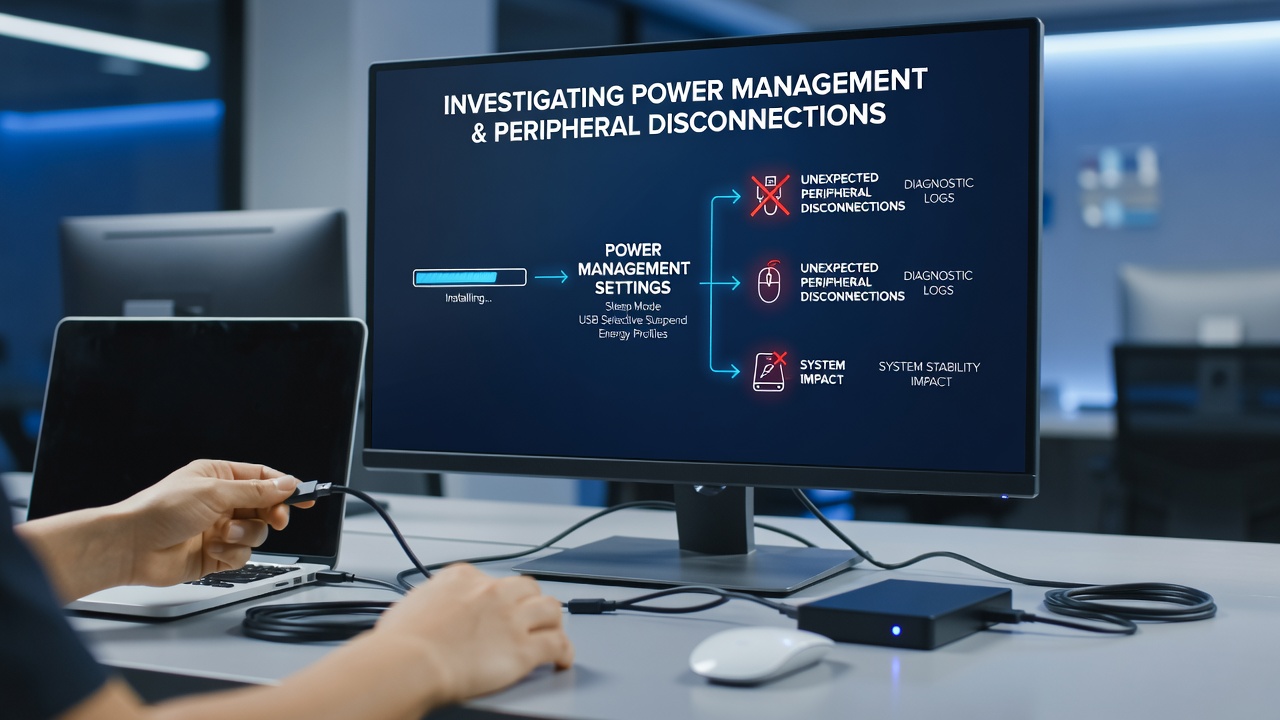
Power management settings in operating systems control how devices allocate energy to components including USB ports, external drives, and network adapters, and these configurations often intersect with software installation routines that place sudden demands on system resources. Researchers have documented cases where aggressive power-saving policies activate during high-load periods, leading to temporary disconnections of peripherals that rely on consistent bus power or signal stability. Studies from institutions such as the National Institute of Standards and Technology have examined these interactions across multiple hardware platforms, revealing patterns where selective suspend features and dynamic voltage scaling coincide with installer processes that spike CPU and memory usage.
Mechanisms Behind Power State Transitions
Modern operating systems implement layered power profiles that adjust based on workload detection algorithms, and during software installations these algorithms frequently interpret installer activity as idle periods between file operations. USB selective suspend, for instance, powers down individual ports after brief inactivity thresholds, while the installation process itself may trigger brief pauses that fall within those thresholds. Observers note that graphics drivers and storage controllers also shift into lower power states when temporary files are being written in batches, creating windows where connected peripherals lose enumeration on the bus. Data collected in controlled environments shows that systems running balanced or power-saver plans experience these transitions more often than those configured for high performance, particularly when multiple background services compete for processor cycles.
Observed Patterns During Installation Workflows
Technicians tracking installations across enterprise and consumer environments report that peripheral dropouts cluster around specific phases such as driver unpacking, registry updates, and post-install reboots. One study conducted by academic teams in Canada tracked over 200 installation sessions and found that devices attached via USB hubs disconnected at rates three times higher when the host machine used default power settings compared with customized profiles that disabled selective suspend. Network adapters sometimes lose connectivity mid-download of large update packages, forcing installers to restart and extend overall process times. Printers and external storage units exhibit similar behavior when the system reduces power delivery to secondary controllers during extended write operations that accompany software deployment.
August 2026 monitoring data from several research consortia indicated an uptick in these incidents coinciding with widespread adoption of newer chipset power management firmware that introduced finer-grained sleep states. The timing aligned with seasonal increases in software update volume, creating conditions where multiple installations ran concurrently on shared household or office machines. Figures reveal that systems equipped with solid-state drives showed marginally lower disconnection rates than those using mechanical drives, likely because faster I/O reduced the duration of low-activity windows that power policies monitor.
Contributing Factors Across Hardware Configurations
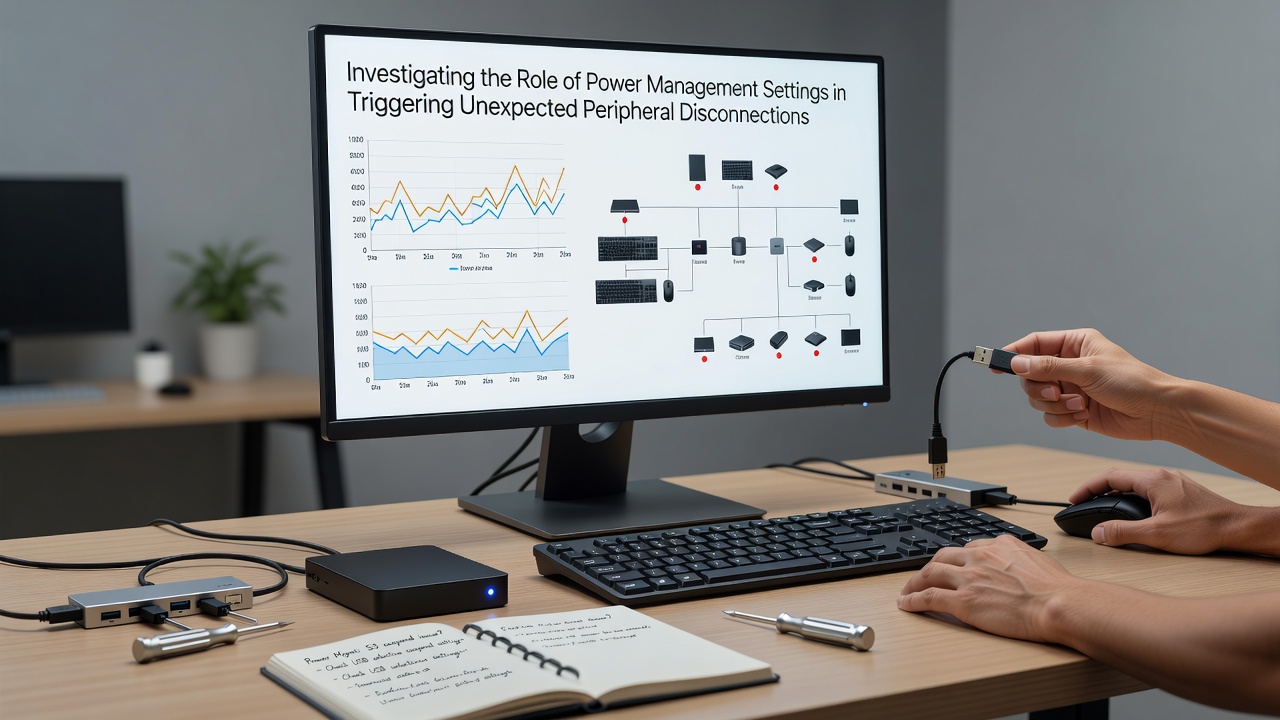
Hardware variables amplify the effects of power management policies, and laptops with removable batteries or hybrid graphics setups introduce additional variables that desktop systems avoid. External monitors connected through docking stations sometimes flicker or drop when the dock's upstream USB connection enters a low-power mode triggered by installer CPU throttling. Bluetooth peripherals face parallel challenges because their radio modules often share power domains with other system components that scale down during resource-intensive phases. Industry reports from European testing laboratories have catalogued combinations of motherboard BIOS versions and Windows power plans where the default energy saver profile consistently produced disconnections within the first ten minutes of large application installations.
Those who have examined event logs across fleets of machines observe that error codes related to USB resets and device surprise removals spike during these windows. The logs frequently show power state change events immediately preceding the loss of peripheral communication, establishing a temporal correlation that points back to the operating system's energy management layer rather than outright hardware failure. Adjustments made at the group policy level or through vendor-specific utilities can alter these thresholds, yet the changes require explicit configuration because default settings prioritize battery life over uninterrupted peripheral presence.
Diagnostic Approaches and Configuration Adjustments
System administrators addressing recurring disconnections begin by reviewing power plan advanced settings, focusing on entries for USB selective suspend, PCI Express link state power management, and processor power management minimum and maximum states. Tools that monitor real-time power transitions help isolate whether a particular installation phase coincides with a state change that affects attached devices. In environments where installations occur on shared family or small-office machines, temporary switches to high-performance plans during deployment windows have reduced incident frequency according to aggregated support records. Firmware updates for USB controllers and chipsets sometimes modify how aggressively power states are applied, offering another layer of mitigation when combined with operating system tweaks.
Research papers published by Australian university engineering departments have modeled these interactions using trace data from instrumented systems, confirming that the interplay between installer I/O patterns and power policy timers creates predictable risk periods. Organizations seeking to minimize disruptions often script power plan switches that activate before major installations begin and revert afterward, preserving energy efficiency outside those defined intervals.
Conclusion
Power management settings serve essential roles in balancing performance with energy consumption, yet their interaction with software installation workloads can produce unintended peripheral disconnections when default thresholds align with installer activity patterns. Evidence from multiple independent studies demonstrates measurable correlations between specific power policies and device stability during these operations. Configuration adjustments at the operating system and firmware levels provide documented pathways to reduce occurrence rates while maintaining overall system efficiency. Continued monitoring of firmware and driver updates remains relevant as power management implementations evolve across hardware generations.