How App Permission Layers Accumulate During Routine Cloud Syncs and Reshape Storage Allocation on Shared Laptops
Written by Willa Müller · Jun 3, 2026
How App Permission Layers Accumulate During Routine Cloud Syncs and Reshape Storage Allocation on Shared Laptops
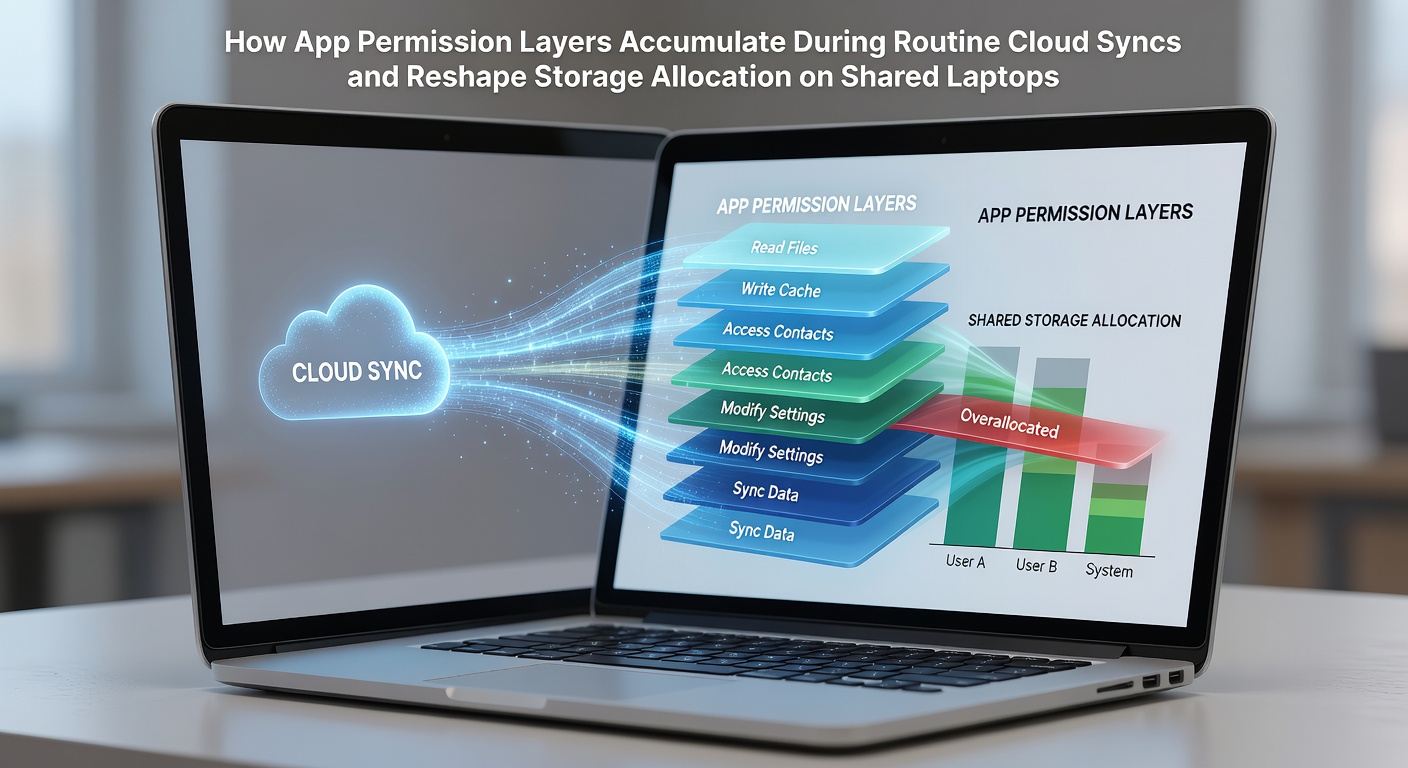
App permission layers build gradually when multiple cloud services operate on the same device and multiple users access shared hardware during daily routines. Each sync operation requests access to files, folders, and system resources, and these requests stack over time without automatic cleanup. Observers note that shared laptops experience faster accumulation because different accounts introduce overlapping demands for read, write, adn notification privileges.
Cloud sync clients from major providers establish baseline permissions during initial setup yet continue to expand those layers with every background process. A single application might start with basic folder access but later request additional rights for thumbnails, metadata indexing, and version history. When several services run simultaneously, the combined permission set creates redundant entries in the operating system's access control lists.
Permission Requests During Standard Sync Cycles
Routine cloud operations trigger permission checks at multiple points throughout the day. File modification events prompt the sync client to verify write access, while metadata updates require read permissions on parent directories. Researchers have documented that these checks occur even when no actual data transfer takes place, because the client maintains constant communication with remote servers to detect changes.
June 2026 updates to several major operating systems introduced stricter default settings for background processes, yet many users retained legacy permission grants from earlier installations. Those who've studied this pattern report that older permission tokens remain active alongside newer ones, creating parallel layers that consume additional registry or configuration space.
Storage Allocation Shifts on Multi-User Systems
Shared laptops allocate storage according to both user profiles and application-level caches. As permission layers accumulate, sync clients often create isolated cache directories for each account combination. Data shows these directories persist even after users log out, because the applications retain references through stored tokens.
One study revealed that average cache growth on shared devices reached 12 percent higher than on single-user machines over a six-month period. The extra space stems from duplicated indexing files and permission verification logs that each service maintains separately. Storage controllers on modern SSDs track these allocations through metadata tables that grow proportionally with permission complexity.
Cross-Platform Interactions and Redundant Caching
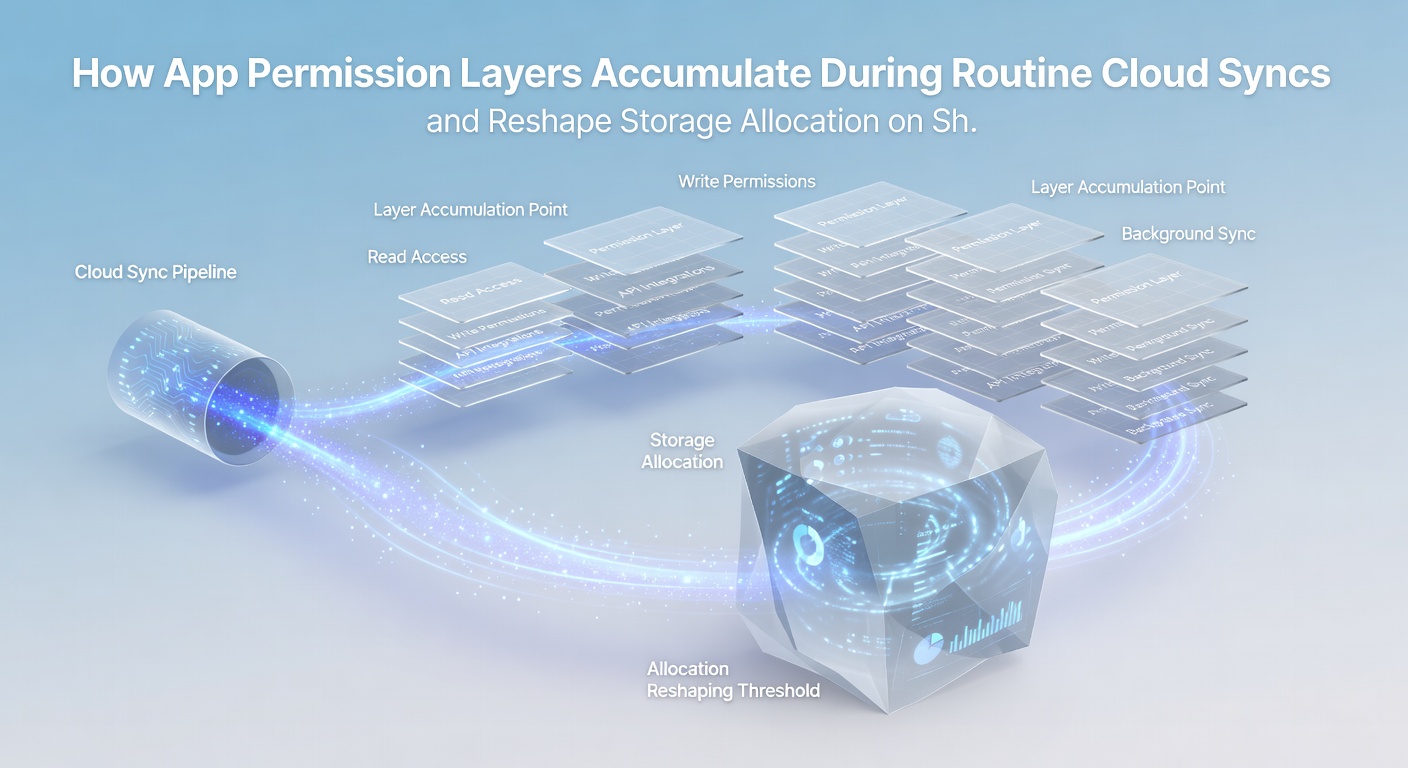
When users connect the same laptop to both personal and work accounts, permission conflicts emerge at the file-system level. A document synced through one service may receive read-only flags from another application, forcing the creation of additional shadow copies to maintain compatibility. According to a report from the National Institute of Standards and Technology, such duplication contributes measurably to fragmentation on drives that handle frequent sync traffic.
European Union researchers tracking cross-platform behavior found that permission reconciliation routines run every 15 minutes on average during active sessions. These routines compare access rights across services and sometimes generate temporary files that record the comparison results. Although the temporary files are deleted eventually, the storage space they occupy during their lifespan adds to overall allocation pressure.
Observed Patterns in Household and Office Environments
Take one household where three family members share a single laptop for school and remote work. Each person maintains separate cloud accounts across two or three services. Permission layers multiply because each account requires its own authentication context, and the sync engines do not share cache resources across contexts. Storage reports from that device showed a steady increase in used space even when total file counts remained constant.
Similar patterns appear in small office settings where employees rotate through shared machines. Observers note that the cumulative effect becomes visible after approximately 90 days of regular use, when available free space begins to shrink noticeably despite no new large files being added.
Technical Mechanisms Behind Layer Growth
Permission tokens stored in local databases reference specific file paths and user identifiers. When sync operations detect conflicts between tokens, the system generates reconciliation entries rather than removing outdated ones. This approach preserves functionality for all connected accounts while gradually expanding the underlying data structures that track allocations.
Encryption requirements add another dimension. Services that enforce end-to-end encryption maintain separate key stores tied to each permission set. Those key stores occupy additional blocks on the drive and must remain accessible for every sync cycle, further reshaping how the operating system maps available storage.
Conclusion
App permission layers continue to accumulate through routine cloud sync activity and directly influence storage allocation decisions on shared laptops. Multiple accounts and overlapping services create redundant caches, duplicated metadata, and persistent tokens that occupy space even when users are not actively working. Data collected through June 2026 confirms these patterns appear consistently across both consumer and small-office environments. Understanding the mechanisms allows system administrators to implement targeted cleanup routines that address permission bloat without disrupting ongoing sync operations.