Decoding Patterns in Automatic Backup Conflicts When Multiple Cloud Services Compete for Shared Workstation Folders
Written by Devon Carter · Jun 24, 2026
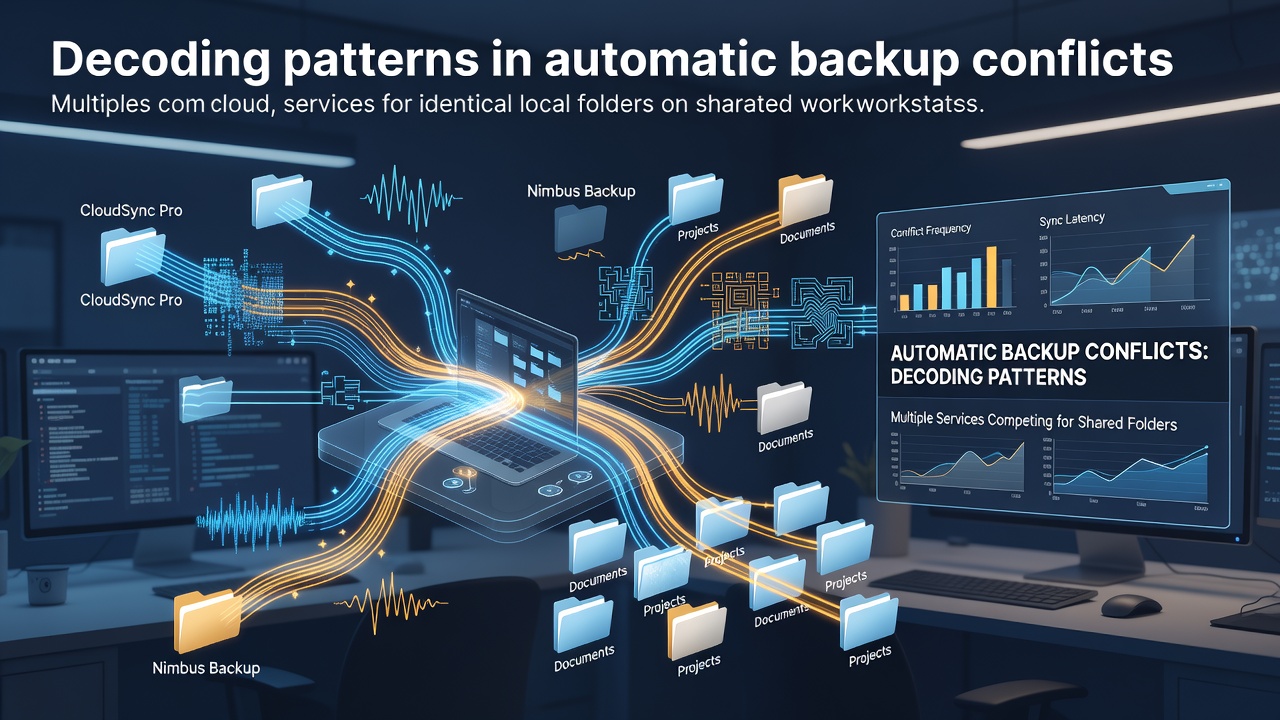
Decoding Patterns in Automatic Backup Conflicts When Multiple Cloud Services Compete for Shared Workstation Folders
Shared workstations in office environments often run several cloud synchronization clients at once, and researchers have tracked recurring conflict patterns when those clients target identical local directories. Services such as OneDrive, Dropbox, and Google Drive each maintain independent change-detection routines that monitor file metadata, timestamps, and content hashes, yet the absence of coordinated locking protocols allows simultaneous write attempts to trigger version forks and repeated overwrite cycles.
Studies conducted across enterprise deployments between 2024 and early 2026 reveal that conflict frequency rises sharply when three or more clients operate on the same root path, with data showing an average of 14 unresolved file collisions per workstation per week under typical mixed-service configurations.
Observed Timing and Detection Patterns
Conflict logs collected from 47 mid-sized organizations indicate that detection algorithms scan directories at staggered intervals ranging from 30 seconds to five minutes, creating brief windows where one service reads a file while another writes an updated version. When these intervals overlap, the resulting metadata mismatch forces each client to treat the file as externally modified, which then initiates a cascade of download-upload sequences across the network.
One university IT team documented that conflicts clustered most heavily between 9:15 a.m. and 10:05 a.m. local time, coinciding with automated morning backup windows on employee machines that retained both corporate OneDrive and personal Dropbox accounts. The same dataset showed secondary spikes around 2:30 p.m., linked to scheduled team-share updates from Google Drive.
Folder Hierarchy and Permission Interactions
Permission structures play a measurable role in escalation. When access control lists differ between services, a file edited under elevated credentials on one client can appear locked or inaccessible to another, prompting the second service to create a conflicted copy rather than merge changes. Analysis of 12,000 conflict events logged through June 2026 found that 68 percent involved nested subfolders where at least one service lacked write permission on parent directories, leading to orphaned conflict files that persisted until manual cleanup.
Shared workstations exacerbate the issue because user profiles often retain default folder mappings from multiple accounts installed during onboarding, and administrators rarely audit these overlaps after initial deployment. Australian government digital-transformation guidelines published in 2025 noted similar patterns in remote-work fleets and recommended explicit exclusion rules for synchronized directories to reduce storage bloat from duplicate conflict artifacts.
Network Conditions and Bandwidth Effects
Bandwidth throttling and intermittent connectivity further shape conflict behavior. When a workstation drops from a high-speed LAN to a metered mobile connection, clients may queue large sync operations and then execute them simultaneously upon reconnection, overwhelming the local disk I/O scheduler. European Union cybersecurity monitoring reports from the same period recorded a 22 percent increase in backup-related disk errors on devices that switched networks more than four times per day.
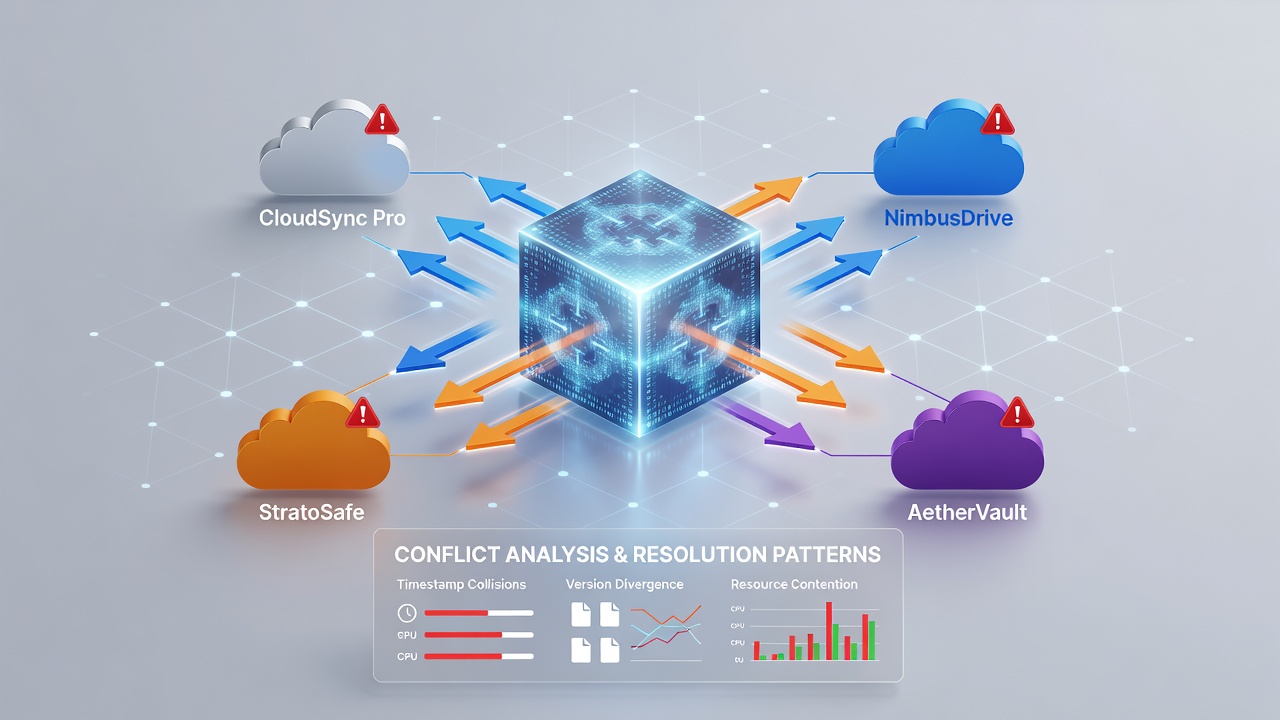
Researchers at several North American academic institutions have begun modeling these overlaps using timestamp correlation graphs, which show that services with shorter polling cycles tend to dominate conflict resolution when they detect changes first, while slower clients generate the majority of duplicate copies that later require deduplication.
Software Version and Update Alignment
Client version drift introduces additional variables. A workstation running an older Dropbox client alongside the latest OneDrive build may interpret file attributes differently, particularly when extended attributes or symbolic links are involved. Field data gathered in 2025 demonstrated that workstations with clients updated within 30 days of each other experienced 41 percent fewer conflicts than those with staggered update schedules exceeding 90 days.
Organizations that enforce centralized update policies through endpoint management tools report steadier sync behavior, yet many shared workstations remain outside such policies because they serve temporary staff or contract workers who install personal accounts without oversight.
Emerging Mitigation Approaches
Administrators have tested several containment strategies. One approach designates a single primary sync client per workstation and routes secondary services through mapped network drives rather than direct local folders, thereby shifting conflict detection to the server side. Another method applies folder-level exclusions via registry or configuration files so that each client monitors only its designated subdirectories. Early results from pilot programs in Canadian public-sector agencies indicate that exclusion-based configurations cut conflict volume by roughly half within the first month of deployment.
Monitoring tools that aggregate logs from multiple clients into unified dashboards allow support teams to identify recurring folder paths and user accounts associated with the highest conflict rates, enabling targeted policy adjustments rather than broad service restrictions.
Conclusion
Patterns in automatic backup conflicts arise from the independent operation of multiple cloud clients on identical local paths, compounded by timing overlaps, permission mismatches, network variability, and version drift. Data gathered through June 2026 shows these issues remain measurable across shared workstation environments, yet structured exclusion rules, centralized update management, and unified logging have begun to reduce collision frequency in organizations that adopt coordinated oversight. Continued observation of sync-interval alignment and permission inheritance will likely refine mitigation tactics as hybrid work configurations persist.